Music Art Decor Laser Cut: A Practical Guide to Digital Files and Creative Execution
The intersection of auditory passion and visual aesthetics has never been more accessible than it is today. For creators, interior designers, and hobbyists alike, Music Art Decor Laser Cut designs offer a sophisticated way to bring rhythm into physical space. Whether you are crafting a statement piece for a recording studio, adding acoustic-themed accents to a living room, or producing merchandise for a music festival, these digital templates provide the foundational geometry needed for precision cutting. However, the ease of downloading a file often leads to a false sense of simplicity. Many enthusiasts rush into production without fully understanding the nuances of digital vector files, material compatibility, and design scalability. This oversight can result in wasted materials, frustrated clients, or finished products that lack structural integrity.
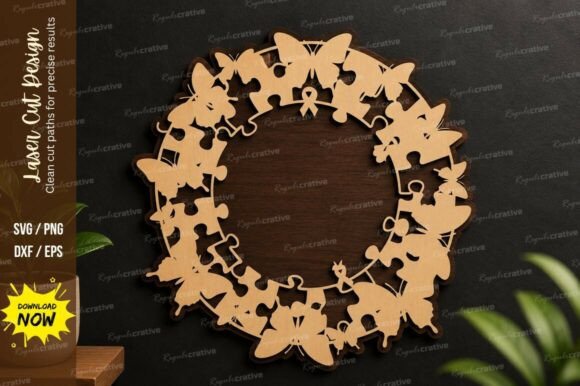
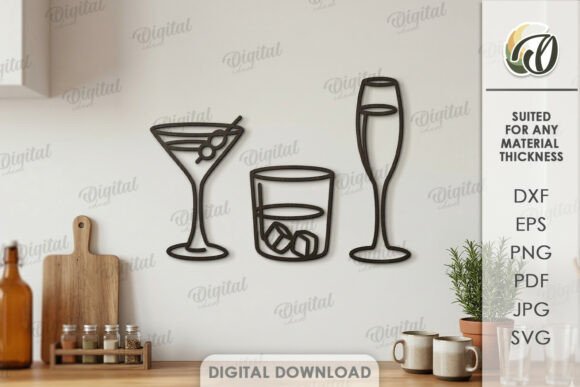
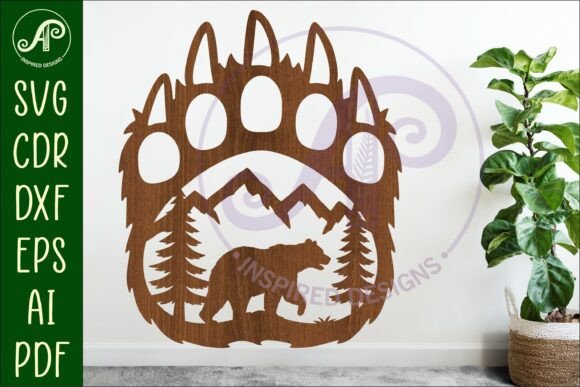
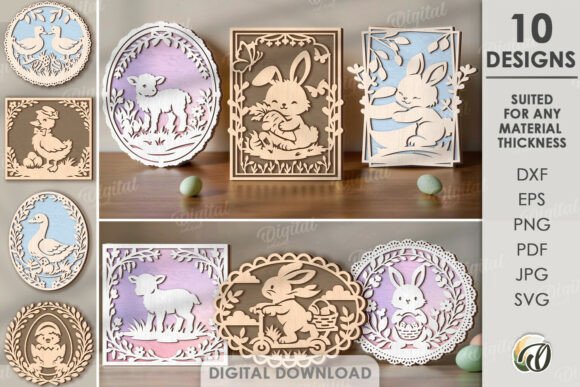
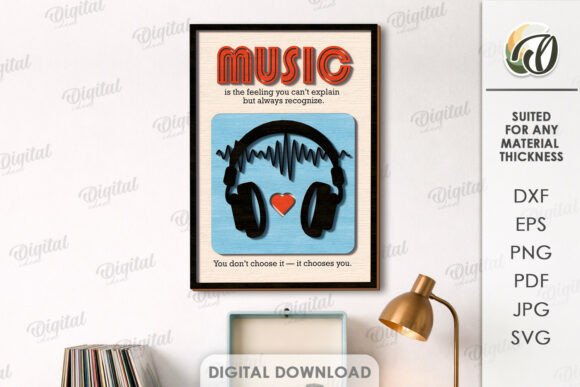
It is crucial to remember that when you purchase a Music Art Decor Laser Cut template, you are acquiring a digital asset, not a physical object. The photos displayed in online stores are intended strictly for inspiration, showcasing what is possible with the right tools and materials. Your actual purchase will typically be a zip folder containing one design in multiple formats, such as SVG, DXF, EPS, PDF, JPEG, and PNG. Understanding how to leverage these formats correctly is the first step toward professional-quality results.
Misunderstanding File Formats and Compatibility
One of the most common mistakes beginners make is assuming all file formats are created equal. A frequent error involves attempting to use raster images like JPEG or PNG for vector-based laser cutting or CNC routing. While these formats are excellent for previewing the design or using with print-on-demand services, they lack the mathematical paths required for precise machine cutting. When a user imports a JPEG into laser software, the machine may interpret the image as a series of dots rather than clean lines, leading to jagged edges, excessive burning, and prolonged processing times.
To avoid this, always prioritize vector formats such as SVG, DXF, or EPS when preparing your project for a laser cutter, plasma cutter, or vinyl plotter. These formats maintain crisp lines at any scale, ensuring that the intricate details of musical notes, clefs, or instrument silhouettes remain sharp. If you are working with a printer rather than a cutter, the high-resolution PNG or PDF included in your download will suffice. Before starting any project, verify which format your specific machinery or software requires. Taking a moment to convert or select the correct file type can save hours of troubleshooting and prevent material waste.
Overlooking Material Constraints and Design Complexity
Another significant pitfall is ignoring the relationship between design complexity and material thickness. Music Art Decor Laser Cut designs often feature delicate elements, such as the thin stems of musical notes or the strings of a guitar illustration. When these designs are cut from thick wood or acrylic without proper consideration, the fragile components may break during removal or fail to support their own weight once mounted. This is particularly problematic for large-scale wall art where structural integrity is paramount.
A better approach is to match the design’s intricacy with an appropriate material. For highly detailed patterns, thinner materials like 3mm plywood or 2mm acrylic are ideal. If you prefer the look of thicker wood, consider simplifying the design by increasing the width of connecting lines or adding a solid backing board to support the delicate cutouts. Additionally, always account for the kerf—the width of the material removed by the laser beam. Failing to adjust for kerf can result in pieces that do not fit together properly in multi-layered projects. Test cuts on scrap material are essential to calibrate your machine and ensure the final assembly aligns perfectly.
Scaling Issues and Resolution Loss
Scalability is one of the primary advantages of vector-based Music Art Decor Laser Cut files, yet many users inadvertently compromise this benefit. A common mistake is resizing a raster image (JPEG/PNG) to fit a larger frame, which results in pixelation and loss of detail. Even with vector files, improper scaling can lead to issues if the design contains text or specific proportional elements that become illegible or distorted when enlarged or reduced significantly.
When adjusting the size of your design, always use the original vector file (SVG, DXF, or EPS). Ensure that you maintain the aspect ratio to prevent stretching or compressing the musical symbols, which can look unprofessional and aesthetically pleasing. If you are creating a custom size that differs vastly from the original template, check the thickness of the lines. Lines that were perfect at 12 inches may become too thin to cut reliably at 6 inches, or too bulky at 48 inches. Most design software allows you to adjust stroke widths proportionally or manually tweak them to suit the new dimensions. Always preview the design at 100% zoom to inspect for any potential weak points before sending it to your machine.
Neglecting Licensing and Commercial Use Rights
For entrepreneurs and small business owners, understanding licensing terms is critical. Purchasing a digital file does not automatically grant unlimited commercial rights. Some creators allow personal use only, while others permit limited commercial applications, such as selling a certain number of physical items made from the design. Using a Music Art Decor Laser Cut file for mass production or redistributing the digital file itself can lead to copyright infringement issues.
Before incorporating these designs into your product line, carefully read the license agreement provided with your purchase. If you plan to sell items featuring the design, ensure you have the appropriate commercial license. If the terms are unclear, reach out to the designer directly. Many store owners are willing to clarify usage rights or offer extended licenses for a fee. Respecting intellectual property not only protects your business legally but also supports the creative community that provides these valuable resources.
Final Checks Before Production
To ensure a smooth workflow and high-quality outcome, adopt a checklist routine before every project. First, confirm that you have downloaded the correct file format for your equipment. Second, inspect the design for closed paths and overlapping lines, which can cause cutting errors. Third, choose a material that complements the design’s complexity and intended use. Fourth, perform a test cut on scrap material to verify settings and fit. Finally, review the licensing terms to ensure compliance with your intended use case.
By avoiding these common pitfalls, you can transform a simple digital download into a stunning piece of art. The possibilities of creation are indeed endless, but they require a thoughtful approach. Whether you are a beginner experimenting with your first laser cutter or a seasoned professional expanding your catalog, paying attention to these details will enhance your efficiency, reduce costs, and elevate the quality of your final product. If you have questions about specific file types or design adjustments, do not hesitate to contact the seller. Clear communication can often resolve uncertainties before they become costly mistakes. Happy shopping, and may your creative projects resonate with precision and style.